How to write YouTube scripts that keep viewers watching
Summarize content with
Most people write their YouTube scripts like blog posts. Structured, thorough, organized.
That's why viewers leave in the first 60 seconds.
Blog readers will skim back if they lose the thread. Viewers can't. Once you've lost them, they're gone and YouTube registers it as a broken promise. The video gets buried.
Video has different physics. The script needs to account for that.
Start with packaging, not the script
Before a single line of script gets written, you need your title and thumbnail concept locked in.
This sounds backwards. It isn't.
Your script needs to deliver on the exact promise your packaging made. Write the script first and you'll drift. The video becomes about what you felt like saying, not what the viewer clicked for.
Lock in your title. Make sure it makes a specific, clear promise. Then write toward that promise from the very first sentence. Every section either serves that promise or it gets cut.
The outline
A video with no outline meanders. A tight outline separates a 6-minute video that holds attention from a 6-minute video that feels like 20.
Structure it around value delivery. What does the viewer need to know, and in what order does it actually make sense? Skip the context you find interesting but the viewer doesn't need yet. Lead with what they came for.
If your outline has more than 5-6 sections for a standard video, cut until it hurts. Tighter is almost always better.
The intro formula
You have about 15-30 seconds before viewers decide to stay or leave.
The intro has one job: confirm they clicked the right video. Restate the promise from the title. Show them they're in the right place. Give them a specific reason to stay for the next section.
Skip the slow setup. Skip the "today we're going to cover..." meta talk. Get to the reason they clicked, and get there fast. Viewers already know what they clicked on. They read the title. They don't need a recap.
The body
Each section should do 2 things: deliver something useful, then create a pull toward what comes next.
Give real value first. Then create forward momentum. A viewer who just got something useful is far more willing to stay for the next section than one who's been listening to setup for 3 minutes.
Keep sections tight. If any section runs past 2-3 minutes without a clear payoff, cut it or break it up. Long sections without relief cause viewers to check how much time is left. That's a bad sign.
The outro
End on one thing. One clear takeaway.
The viewer just watched your video. They know what you covered. A summary of everything you said treats them like they forgot. Give them one sharp thing to carry away and then stop.
Outros that go long kill retention at the worst possible moment, right as someone might be deciding to subscribe.
Where your CTA goes
The end of the video is the worst place to put your call to action. Retention drops sharply in the last 20% of most videos. By definition, fewer people are watching.
Embed your CTA natively inside the content where it's most relevant. If you're talking about a problem that your product solves, mention it there. It converts better and feels less like an ad because it fits the context.
And if your script starts with weak packaging, the rest of this doesn't matter. A strong script inside a video nobody clicks on is wasted work. ThumbnailPilot shows you exactly how your thumbnail and title look against competing videos in the real feed, before you publish, so you know whether your packaging will actually earn the click.
Share this post

MORE FROM THE BLOG

May 3, 2026 · BUSINESS
Why most business owners fail at YouTube
The creator playbook doesn't translate to business results. You're studying the wrong game.

April 19, 2026 · BUSINESS
Why every serious business owner I know is building on YouTube
Paid ads stop working the moment you stop paying. YouTube keeps sending leads while you sleep. Here's the math that changes how you think about content.
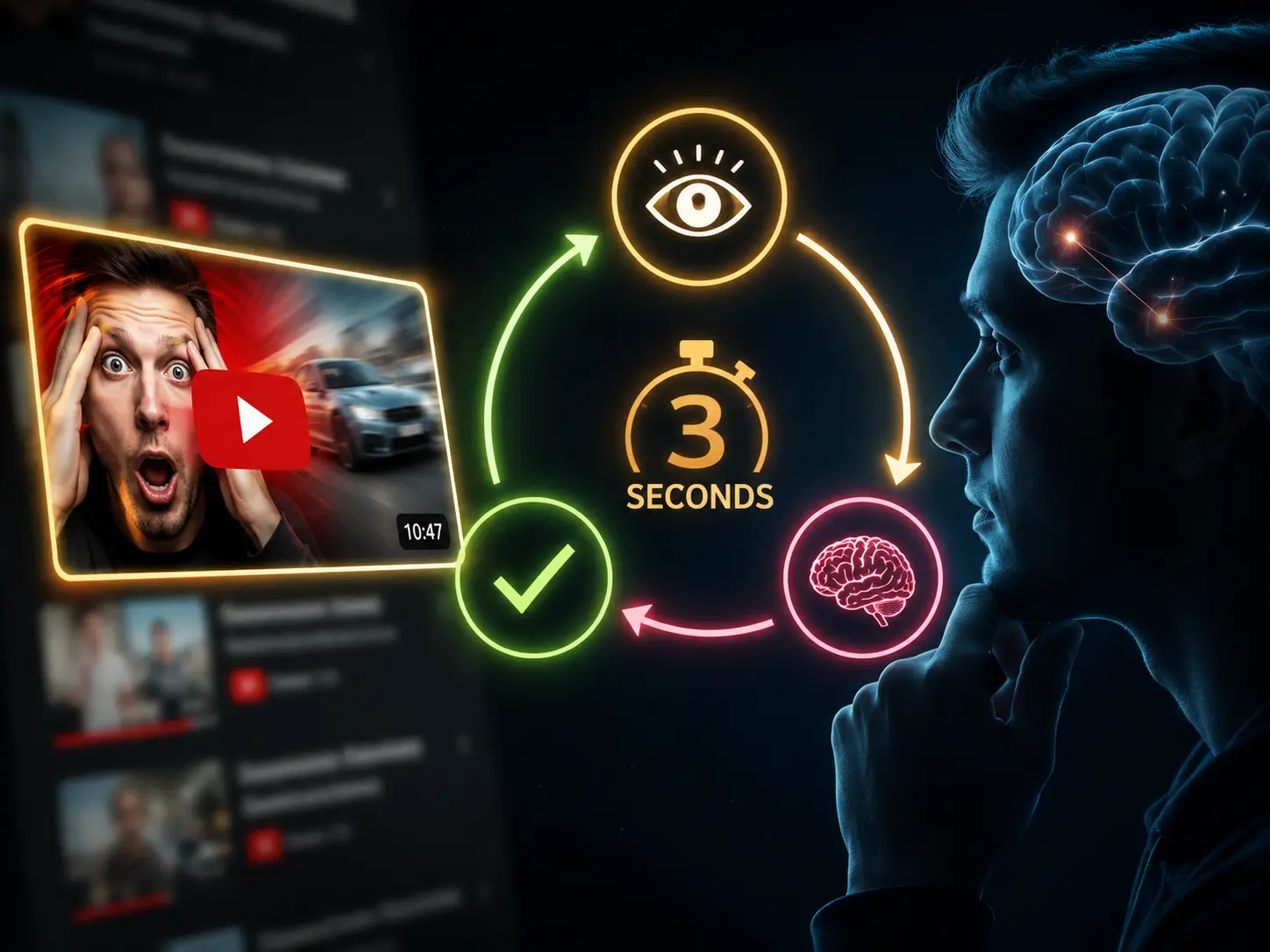
April 8, 2026 · YOUTUBE
The 3-second psychology loop behind every YouTube click
Every viewer runs through the same decision before clicking. If any step fails, they scroll past. Here's how to make sure all 3 pass.
August 20, 2025 · DESIGN
How to AI Face Swap Yourself on Any Thumbnail
A complete step-by-step guide to AI face swapping yourself on any thumbnail using Thumbnail Studio
August 15, 2025 · DESIGN
How to Face Swap in Photoshop
Master professional face swapping techniques using Adobe Photoshop's powerful tools

August 1, 2025 · BUSINESS
The Complete Blueprint for Earning with Anonymous AI Content Creation
From an insider who's spent $10,000+ monthly working with AI creators